These are instructions on how to jailbreak your iPhone 3GS on the 3.0 iPhone firmware using RedSn0w for Windows. The Mac version of this tutorial is here. The 3G version of this tutorial is here . The 2G version of this tutorial is here
This tutorial can be used to jailbreak before applying the UltraSn0w unlock. You can find instructions on how to apply the unlock here .

Watch the Video!
For your convenience this tutorial is available in video format also. Click the Watch It button to view the tutorial!
Step One
Create a folder on your desktop called Pwnage
Download RedSn0w from here and place it in the Pwnage folder. Likewise, download the latest 3.0 firmware from below and place it in the same folder.
Extract the RedSn0w executable from the zip file to the Pwnage folder.
Step Two
Connect your iPhone to the computer and launch iTunes.
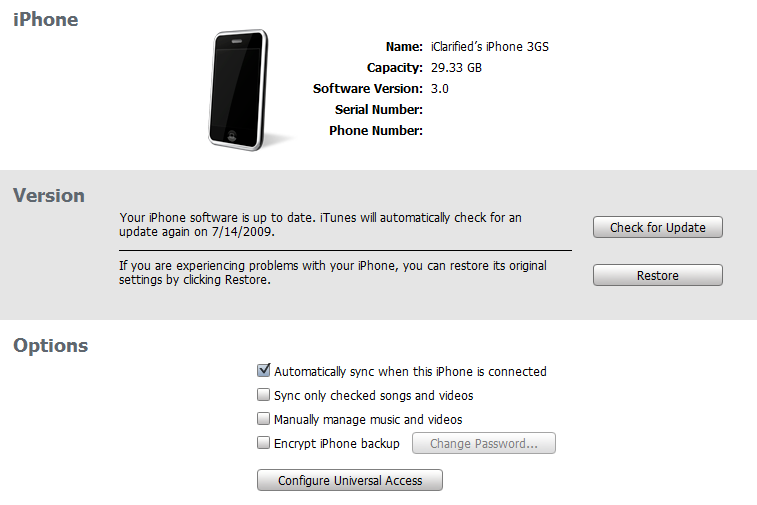
Select your iPhone from the list of devices on the left. Now hold down shift and click the Restorebutton. Restore is preferred as it won’t create any wasted space on your iPhone.
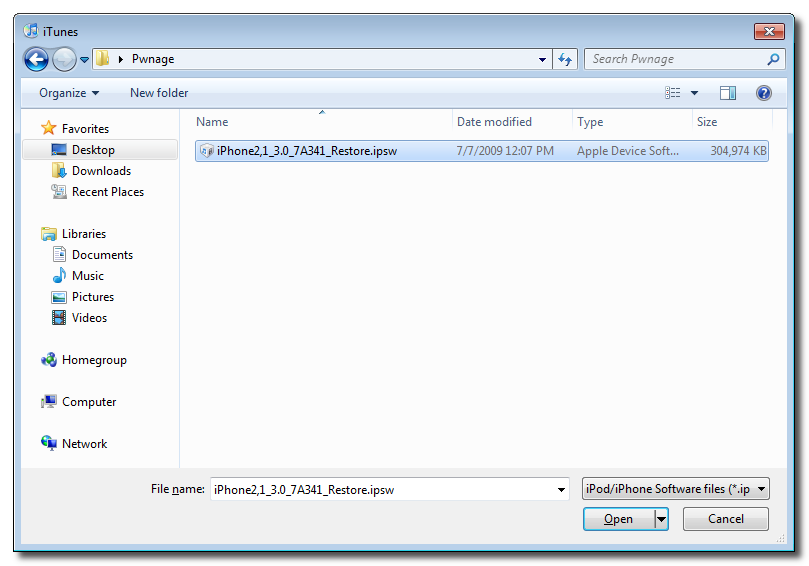
Navigate to the Pwnage folder on your desktop and select the firmware ipsw. Click the Open button to continue.
Step Three
Once iTunes has finished updating your iPhone to the desired firmware you may launch redsnw0w.exefrom the Pwnage folder on your desktop.
Step Four
Once RedSn0w opens click the Browse button
Step Five
Select the firmware ipsw we placed in the Pwnage folder on our desktop then click Open
Step Six
Once the firmware has been verified click the Next button to continue.
Step Seven
Make sure Cydia is selected and click the Next button.
Step Eight
RedSn0w will now instruct you on how to put your iPhone into recovery mode. Disconnect you iPhone 3GS from the computer then power it off. Then hold down the Home button while reconnecting the device to the computer. Don’t let go of the button until RedSn0w detects the iPhone and begins installation.
Step Nine
Your iPhone will now reboot
Step Ten
RedSn0w will then begin uploading the new RAM Disk and kernel.
Step Eleven
Once this is complete you will be notified that RedSn0w is done. Click the Finish button. When your iPhone finishes rebooting (5 minutes or so) it will be jailbroken with Cydia on the SpringBoard.
Popularity: unranked [?]
Related posts
written by admin
\\ tags: App, Application, Game, Iphone, Mac