Dec 19


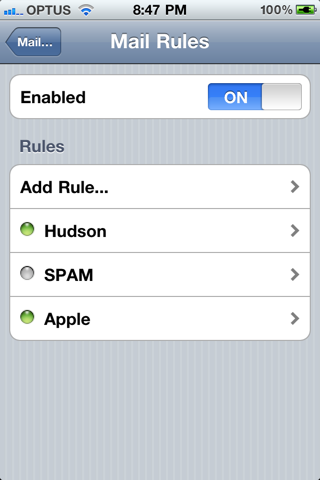
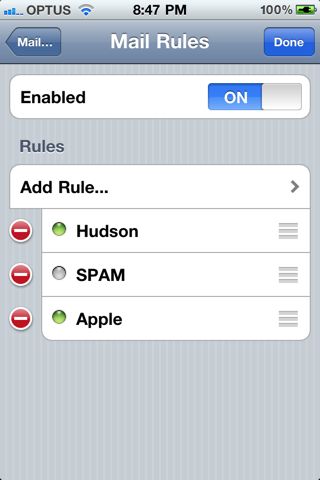
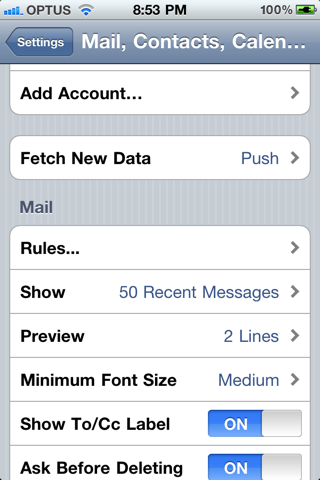
The tweak is accessed via the “Rules…” page in Mail, Contacts, Calendars settings. No new icons are added to your home screen

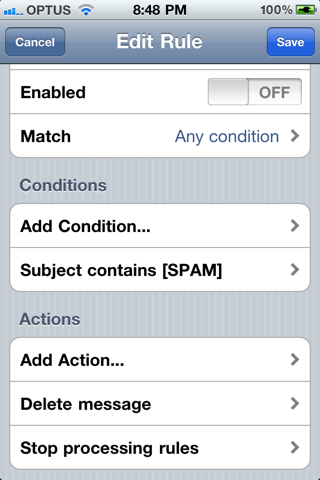
Supports matching on the following criteria:
- Account
- Headers
- Recipient
- Sender
- Subject

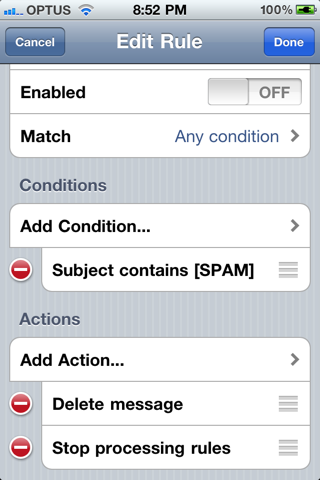
And supports the following actions:
- Delete message
- Mark as read
- Mark as unread
- Copy to folder
- Move to folder
- Stop processing rules

You can purchase the tweak for $1.99 from the Cydia Store.
45853 Mail Rules Lets You Apply Rules to Your Incoming iOS Mail45854 Mail Rules Lets You Apply Rules to Your Incoming iOS Mail45855 Mail Rules Lets You Apply Rules to Your Incoming iOS Mail

45856 Mail Rules Lets You Apply Rules to Your Incoming iOS Mail45857 Mail Rules Lets You Apply Rules to Your Incoming iOS Mail

8593381705226944276 6794704680833579651?l=lph0ne.blogspot Mail Rules Lets You Apply Rules to Your Incoming iOS Mail

written by j4352 \\ tags: , , , , , , , ,


Leave a Reply

This site is using OpenAvatar based on